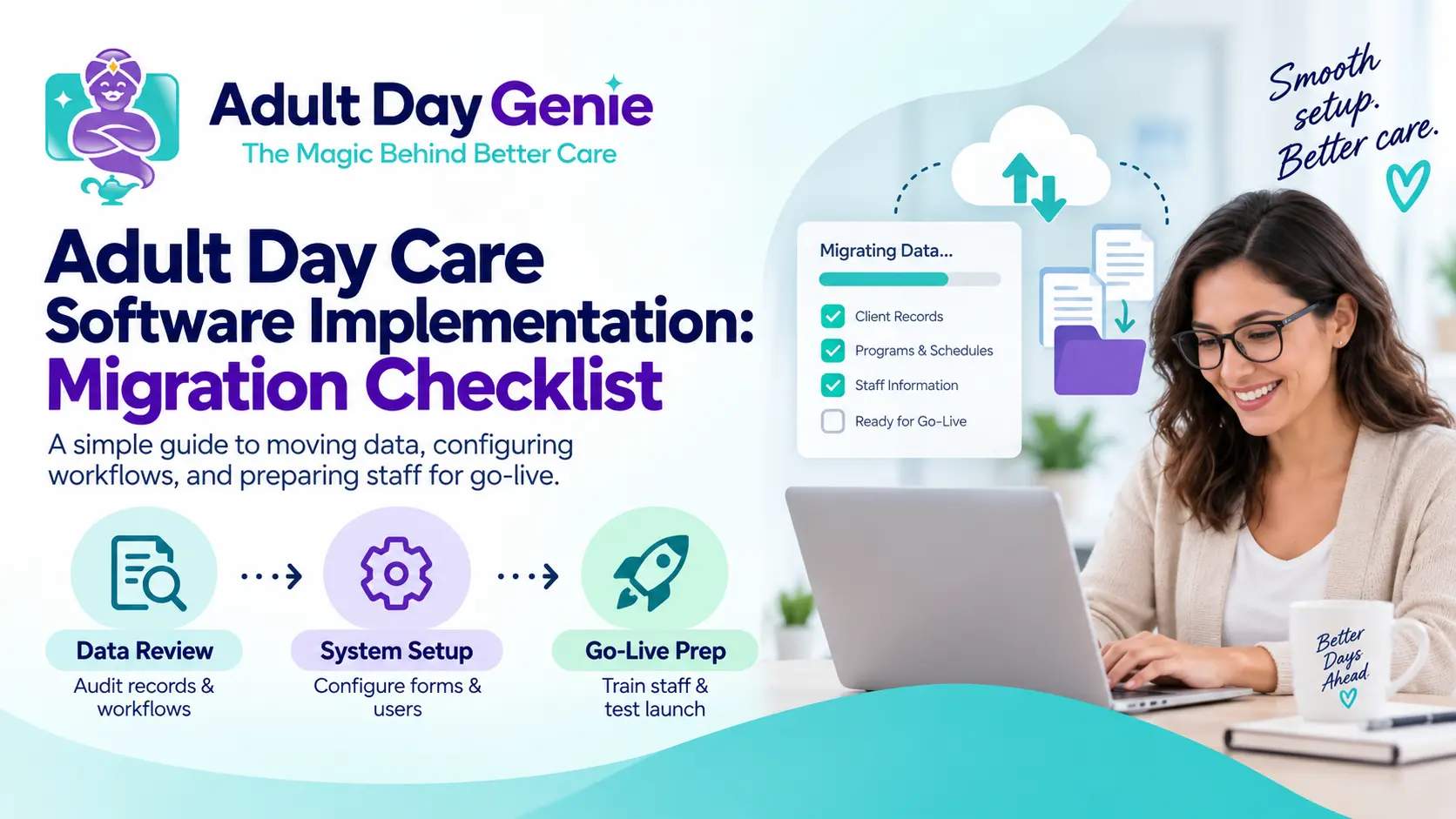
Switching software at an adult day center affects participant records, attendance, care documentation, authorizations, payer information, reporting, and billing—not just staff logins. A successful adult day care software implementation should prepare the new platform for daily work while preserving information the center still needs from the old system. The safest approach is a controlled migration: inventory records, decide what should move or remain archived, validate real workflows, train staff, test billing, and retire the legacy platform only after defined checks are complete. If you have not selected a replacement platform yet, review how to choose adult day care software first.
How to Switch Adult Day Care Software Safely
The safest way to switch systems is to follow a defined sequence instead of trying to move everything at once. This keeps switching adult day care software manageable and gives every critical workflow a clear place in the transition.
- Inventory your current records and data sources.
- Separate active information from historical records.
- Export needed data before ending access to the old system.
- Map important fields to the replacement platform.
- Configure active participants, payers, and authorizations.
- Validate attendance and documentation workflows.
- Protect PHI throughout the migration.
- Train staff according to their actual roles.
- Test Medicaid billing where applicable.
- Complete a controlled go-live.
- Retire the old system only after final validation.
Adult Day Care Software Migration Checklist
Use this adult day care software migration checklist before choosing a final go-live date. Assign an owner to each workstream rather than assuming one administrator or the software vendor will catch every missing record.
| Migration Area | What to Preserve or Move | What to Validate |
|---|---|---|
| Participant records | Demographics, contacts, enrollment information | Active roster and sample records |
| Attendance | Current schedules, needed history, corrections | Normal and exception service dates |
| Care documentation | Active care plans, forms, notes | Correct records appear for each participant |
| Authorizations | Payer, dates, approved units or limits | Current approvals and balances |
| Medications | Current medication information where applicable | Active information reviewed by responsible staff |
| Billing | Payer setup, service information, needed claim history | End-to-end billing workflow |
| Users | Staff accounts, roles, permissions | Correct access for each staff role |
| Reports | Required operational and billing exports | Reports can be produced or remain accessible |
Step 1: Inventory Your Records Before Anything Moves
One of the biggest migration risks is assuming all important information lives inside one system. Adult day centers may also use spreadsheets, scanned files, shared folders, paper records, clearinghouse portals, or separate tracking tools. Create a complete inventory before any data is moved.
- Active and inactive participant records
- Emergency and authorized contacts
- Attendance and correction history
- Current schedules
- Assessments, care plans, progress notes, and forms
- Incident records
- Medication information where applicable
- Payer information and active authorizations
- Service codes and unit information
- Claims or billing history
- Staff users and permissions
- Attachments, templates, and required reports
For each source, identify who owns it, how it can be exported, and whether it is needed for current operations or historical reference. That inventory becomes the source of truth for the rest of the migration.
Step 2: Decide What to Migrate and What to Archive
Not every historical record needs to become editable data inside the new software. Separate information into active operational data, historical reference records, and obsolete or duplicate information handled under your organization's retention and disposal policies. Prioritize current participant, payer, authorization, care, and daily operational data. Retention requirements can vary by state, payer, program, contract, and record type, so confirm what applies before deleting records that were not imported.
Step 3: Export and Map Data Before Canceling the Old System
Complete important exports while you still have reliable access to the legacy platform. Test whether exported records actually open and make sense outside the old software. Pay particular attention to attachments, historical corrections, authorizations, documentation, and billing reports. Then create a mapping sheet for your adult day care software data migration so fields that do not translate cleanly can be reviewed before go-live.
| Old System Data | New System Destination | Validation |
|---|---|---|
| Participant ID | Participant profile | Match sample records |
| Payer | Payer configuration | Confirm correct payer |
| Authorization dates | Authorization record | Compare effective dates |
| Authorized units | Authorization tracking | Verify current balance |
| Care plan | Participant documentation | Confirm current plan is accessible |
| Attendance history | Migration or archive | Reconcile sample dates |
Step 4: Configure Active Participants and Authorizations First
Prioritize the information your center needs for its next live service day. For each active participant, confirm the correct profile, current payer, service or program, authorization dates, approved units or limits where applicable, and required care information. If authorization data affects billing at your center, review your adult day care authorization tracking process while setting up the replacement system. An incorrect historical convenience field may be inconvenient; an incorrect current authorization can affect operations and downstream billing.
Step 5: Validate Attendance and Documentation Together
Do not validate a migration only by comparing record counts. Test realistic scenarios such as a normal service day, late arrival, early departure, absence, corrected attendance record, and a participant whose authorization or documentation affects the service. Confirm that the correct participant, date, attendance record, and related documentation are usable. If you are moving from paper or spreadsheets to electronic attendance, use the digital attendance tracking for adult day care guide for that rollout. A successful import is not the same as a validated migration.
Step 6: Protect PHI During Migration
Software transitions can temporarily create extra exports, users, storage locations, and transfer points. Limit access to staff who need the data, use approved transfer and storage methods, track exported files, review temporary access, and remove it when the project is complete. If a vendor handles protected health information on behalf of a HIPAA covered entity, review the applicable HHS Business Associate guidance and your Business Associate Agreement. This is operational guidance, not legal advice.
Step 7: Train Staff by Workflow, Not With One Generic Demo
Train staff on the workflows they actually perform. Attendance staff should practice check-in, departures, exceptions, and corrections. Program staff should locate participants and complete required documentation. Supervisors should review missing records, permissions, and reports. Billing staff should verify payers, authorizations, service records, and exceptions. Training should end with staff completing their normal tasks; attending a demonstration alone does not establish go-live readiness.
Step 8: Test Medicaid Billing Before Production
For Medicaid-funded programs, test the complete process before the first production billing cycle. Trace service scenarios through participant setup, payer and authorization data, attendance, required documentation, service codes or units, claim preparation, and submission. CMS identifies the ANSI ASC X12N 837P as the standard electronic professional claim format, but Medicaid rules can vary by payer and program. For deeper billing coverage, review what adult day care Medicaid billing software should handle.
Step 9: Use a Controlled Go-Live
There is no universal number of days that every center should run two systems. Instead, establish acceptance criteria. Before retiring the legacy platform, confirm that active participants, payers, authorizations, staff permissions, attendance scenarios, current documentation, required reports, and billing workflows have been validated. Needed historical information should also remain accessible. During the first live days, review exceptions with representatives from operations, documentation, and billing. Ask what did not work as expected instead of only asking whether everyone likes the new system.
When Is It Safe to Retire the Legacy System?
Retire the old system only after required records have been preserved, active information has been validated, critical workflows have passed testing, staff no longer depend on the legacy platform for normal operations, and contractual termination requirements have been reviewed. Confirm that required exports open successfully and that historical records remain accessible where needed. Do not cancel first and discover missing information later.
Common Adult Day Care Software Migration Mistakes
- Canceling the old platform before required records and reports are preserved.
- Migrating inaccurate or duplicate data without reviewing it first.
- Testing only simple service days instead of corrections and exceptions.
- Giving every staff role the same generic training.
- Testing individual features without validating the connected attendance, documentation, authorization, and billing workflow.
How Adult Day Genie Fits Into a Software Switch
Adult Day Genie is web-based software for center-based adult day care and adult day health programs. It connects participant information, attendance, care documentation, family updates, operational records, and optional Medicaid billing around the participant's day. During migration, clarify what can be brought into the platform, what must be configured or verified, what should remain available historically, and how staff will validate the replacement workflow. Centers with documentation-heavy workflows can review how adult day care documentation software connects information from check-in through downstream operations. Migration scope should be confirmed because legacy platforms store and export information differently.
Questions to Ask Your New Software Vendor
- What data can you import, and what must be configured manually?
- How are documents, attachments, and historical attendance handled?
- Who validates imported information?
- How are staff roles and permissions configured?
- How should we test billing before go-live?
- How can we export our information if we change platforms again?
Frequently Asked Questions
What is adult day care software implementation?
Adult day care software implementation is the process of preparing a new platform for live operations. It may include participant setup, data migration, staff permissions, workflow testing, training, billing validation, go-live, and retirement of the previous system.
How do you migrate data to new adult day care software?
Inventory existing data, separate active and historical records, export needed information, map fields to the new platform, configure or import records, and validate samples against the original source before go-live.
What records should an adult day center export before switching software?
Review participant records, attendance, documentation, authorizations, medication information where applicable, payer information, billing history, attachments, users, templates, and required reports.
Should we cancel the old software before the new system goes live?
Avoid ending necessary access until required exports are complete, active information has been validated, critical workflows have passed testing, and needed historical records remain accessible.
How can an adult day center avoid Medicaid billing disruption during migration?
Test the full workflow before production: participant, payer, authorization, attendance, documentation, applicable codes or units, claim preparation, and submission process. Include exception scenarios as well as normal service days.
How long should an adult day center run two systems?
There is no universal period. Base the decision on validation criteria rather than an arbitrary number of days. Retire the old system when critical data and workflows have been tested and accepted.
Ready to Plan Your Adult Day Care Software Implementation?
A good adult day care software implementation is measured by whether staff can operate confidently, active participant information is reliable, needed historical records remain available, and documentation and billing workflows continue without avoidable disruption. If your center is considering a switch, Adult Day Genie can help you map your participant, attendance, documentation, authorization, and billing workflow before go-live. Book a migration readiness walkthrough to plan the transition before retiring your current system.