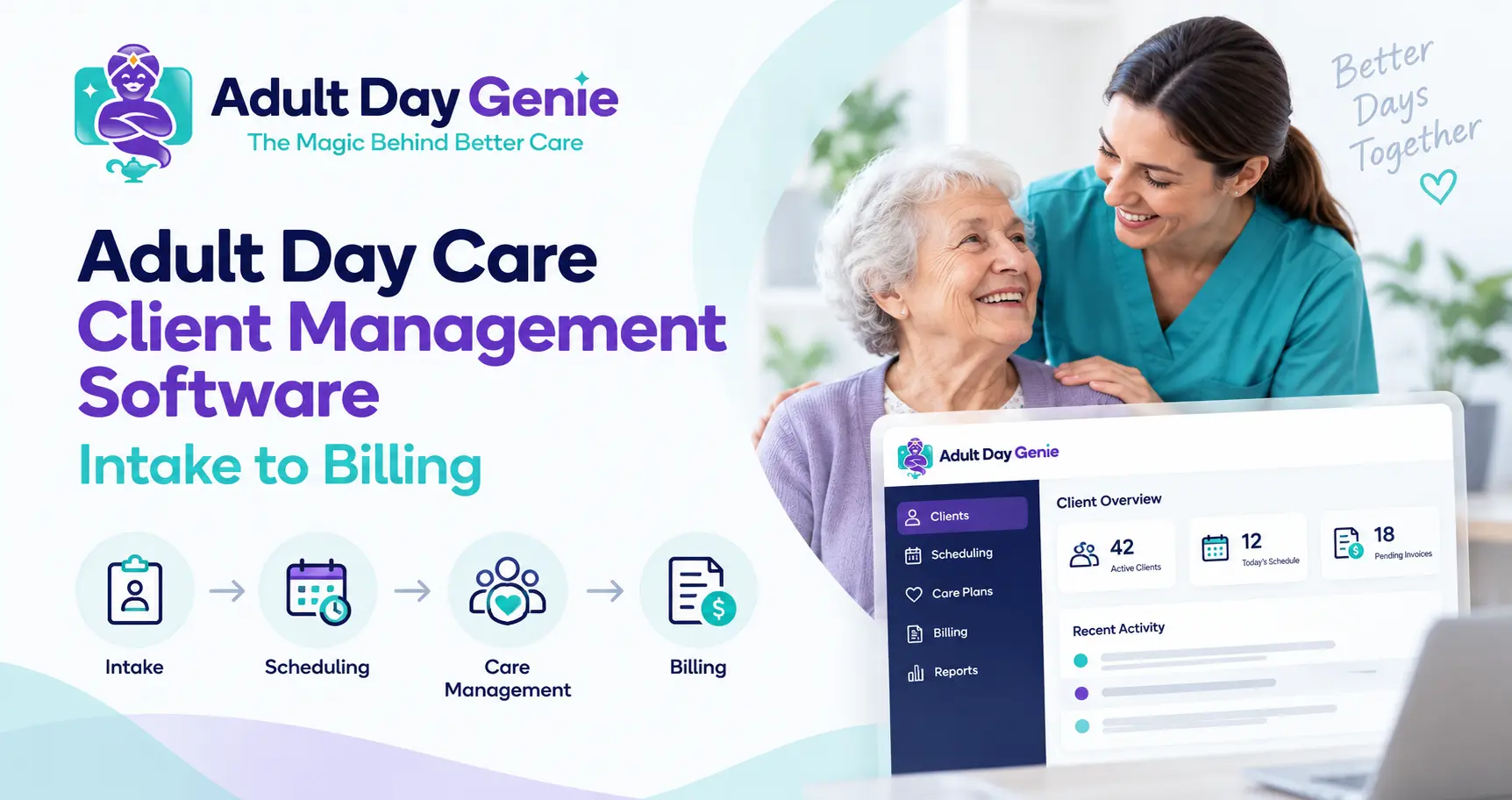
Adult day centers collect information at every stage of a participant's journey: intake details, emergency contacts, schedules, authorizations, care information, attendance, daily documentation, and billing records. The challenge is not collecting more data. It is keeping that information connected to the right participant and making the current record easy for authorized staff to find.
Adult day care client management software creates that connection. Instead of treating intake, scheduling, service records, and billing as separate islands, it keeps the participant at the center of the workflow. Centers building or improving their intake process can also use our adult day care admission checklist before deciding how information should flow into the participant record.
What Is Adult Day Care Client Management Software?
Adult day care client management software is a system for organizing the information and workflows associated with each participant throughout their relationship with the center. A strong system goes beyond storing names and phone numbers. It can connect enrollment information, authorized contacts, schedules, payer and authorization details, care plans, forms, attendance, service-day documentation, communication history, and billing-related information.
Some centers use the word client, while others use participant or member. The terminology may differ, but the operational goal is the same: maintain one reliable participant record that supports the center's day-to-day workflow.
What Should Adult Day Care Participant Records Include?
Exact record requirements vary by state, payer, program type, and the services a center provides. However, well-organized adult day care participant records commonly include several core categories.
| Record Area | Examples | Operational Purpose |
|---|---|---|
| Participant information | Name, contact information, identifiers | Confirms the correct participant |
| Enrollment | Admission date, program, enrollment status | Tracks the participant's relationship with the center |
| Contacts | Family, caregiver, emergency and authorized contacts | Supports communication and emergencies |
| Schedule | Expected attendance days and changes | Supports daily planning |
| Payer information | Payer and member information | Provides billing context |
| Authorization | Dates, approved services, units or limits where applicable | Helps monitor approved services |
| Care information | Assessments, care plans, preferences and risks | Supports appropriate service delivery |
| Forms and consents | Program forms and required permissions | Keeps documents organized |
| Service history | Attendance and daily documentation | Creates a retrievable service record |
| Record updates | Corrections and important changes | Helps maintain an accurate record |
An assessment does not need to be recreated inside the participant profile. Instead, the profile should connect staff to the current assessment and care information. Our adult day care assessment checklist explains that part of the workflow separately.
How Does One Participant Record Move From Intake to Billing?
A useful way to evaluate adult day care participant management software is to follow one participant through the center's normal workflow. Exact steps differ by center, but the participant's identity and current information should remain consistent from intake through operational and billing review.
1. Intake Creates the Participant Record
The center begins with core identity, contact, enrollment, referral, payer, and emergency information. The goal is to establish one participant instead of creating separate versions of the same person in multiple files.
2. Scheduling Shows What Is Expected
The participant's schedule shows when staff expect the person to attend. Scheduling should remain separate from actual attendance because a participant can be scheduled without ultimately receiving service. Our adult day care participant scheduling software guide covers that distinction in more detail.
3. Authorization Adds Payer Context
When an authorization applies, staff may need visibility into approved services, effective dates, units, limits, and renewal information. The adult day care authorization tracking guide explains how authorization information can stay connected to the participant without becoming proof that a service occurred.
4. Attendance Records What Actually Happened
Actual check-in and check-out information should connect to the participant without simply copying the schedule. This distinction becomes especially important when attendance supports reporting, documentation, or billing.
5. Daily Documentation Adds Service Evidence
Staff may create care notes, activities, medication records, meal records, incidents, forms, or other service-day documentation depending on the program. These records should connect to the participant and service date while remaining distinct from the participant's basic profile.
6. Billing Can Trace the Service Back to the Participant
When billing applies, staff should be able to connect the relevant participant, date of service, attendance, authorization context, and required documentation. For the detailed billing workflow, use our adult day care Medicaid billing software guide rather than trying to make the client-management page duplicate billing guidance.
Client Management vs. Documentation Software
Client management and documentation overlap, but they should not be treated as the same thing. Client management organizes the participant-level record, while documentation records what happened during a particular service or day.
| Client Management | Documentation |
|---|---|
| Organizes the participant-level record | Records what happened during a service or day |
| Includes enrollment, contacts and schedules | Includes attendance, notes, forms and service records |
| Answers: What is current for this participant? | Answers: What happened on this date? |
| Supports the full participant lifecycle | Supports service evidence and recordkeeping |
Good software connects these layers without merging them into one oversized record. For a deeper look at service-day records, see our adult day care documentation software guide.
Why Disconnected Participant Records Create Problems
A center can technically operate with spreadsheets, shared drives, paper forms, calendars, and separate billing tools. The difficulty appears when the same participant exists differently in several places.
- A family contact is updated in one file but remains outdated elsewhere.
- A recurring schedule changes while another roster still shows the old schedule.
- Billing staff can see an authorization that operations staff cannot easily access.
- Staff re-enter demographics into several systems and create inconsistent versions.
- A manager needs a participant's service history and has to reconstruct it from different files.
An adult day care participant database is more useful when it provides a reliable participant identity that other workflows can reference instead of becoming another disconnected data store.
What Should You Look for in Client Management Software?
When comparing adult day care client management software, do not judge a platform only by how many fields appear on the participant profile. Look at whether the system supports the participant's actual lifecycle and keeps each type of record in the right context.
- Central participant profile
- Enrollment and status tracking
- Authorized and emergency contacts
- Recurring and date-specific schedules
- Authorization information where applicable
- Assessment and care-plan access
- Participant-specific forms
- Attendance connectivity
- Daily documentation connectivity
- Role-based staff access
- Meaningful record history
- Reporting and data exports
- Billing connectivity where relevant
- Data migration options
A good adult day care client record software workflow should make it clear which information is current without silently rewriting historical records. During a demo, ask the vendor to show what happens when a schedule changes, a contact is corrected, an authorization expires, or staff need to retrieve a previous service date.
Privacy and Access Matter Too
Participant information can include sensitive personal and health information, so access should be appropriate to each staff member's role. For organizations subject to HIPAA, the U.S. Department of Health and Human Services explains the minimum necessary standard, which generally requires reasonable efforts to limit certain uses, disclosures, and requests for protected health information to what is necessary for the intended purpose.
- Can staff permissions be configured by responsibility?
- Can access be removed promptly when a role changes?
- How are important record corrections handled?
- Can participant information be exported when needed?
- What audit or activity history is available?
- Does the vendor provide a Business Associate Agreement when applicable?
Software can support privacy and access processes, but it does not replace a center's responsibility to understand the laws, payer rules, contracts, and internal policies that apply.
Example: One Participant Record in Practice
Consider a fictional participant named Maria. Maria attends Monday, Wednesday, and Friday. Her record includes current contact information, an authorized family contact, enrollment status, expected schedule, payer information, and an applicable service authorization.
On Wednesday, Maria appears on the expected schedule. When she arrives, staff separately record her actual attendance. During the day, authorized staff can access relevant care information and complete required service documentation. Later, Maria's family reports a new phone number, so staff update the current contact information without changing historical attendance or previous service records.
When billing staff review the service, they can trace the relevant participant, service date, attendance, authorization context, and required documentation without reconstructing Maria's identity across several spreadsheets. That continuity is the real value of client management.
How Adult Day Genie Keeps the Participant Record Connected
Adult Day Genie is built around a connected participant workflow rather than isolated records. The platform brings together member details, enrollment information, schedules, authorizations, care plans, forms, attendance, day-of-service documentation, activities, meals, medication records, authorized family updates, reports, and Medicaid billing-related workflows. You can review Adult Day Genie software features to see how these records connect across the service day.
The purpose is not to place everything on one screen. It is to keep each record connected to the correct participant while preserving the purpose of scheduling, attendance, documentation, and billing.
See One Participant Record From Intake to Billing
If your center currently moves participant information between paper files, spreadsheets, calendars, shared folders, and billing systems, evaluate software using one realistic participant scenario. Follow that participant from enrollment through scheduling, authorization, attendance, documentation, and billing review. See Adult Day Genie in 15 minutes to walk through the workflow instead of relying on a generic feature checklist.
Frequently Asked Questions
What is adult day care client management software?
Adult day care client management software organizes participant information and related workflows such as enrollment, contacts, schedules, authorizations, care information, service history, and billing context in one connected system.
What should adult day care client records include?
Common record areas include participant identity, enrollment information, authorized contacts, schedules, payer information, authorizations, assessments, care plans, forms, attendance, service documentation, and important record updates. Exact requirements vary by jurisdiction and program.
Is client management the same as a participant database?
Not exactly. A participant database primarily stores information. Client management also connects that information to operational workflows such as enrollment, scheduling, authorizations, service records, staff access, and updates.
Is client management software the same as an EHR?
Not necessarily. An EHR is generally centered on clinical health information, while adult day care client management software may cover broader workflows including enrollment, scheduling, attendance, program operations, family communication, documentation, and billing.
How should participant scheduling and attendance connect?
Scheduling should show who is expected to attend, while attendance should record what actually happened. Both can connect to the same participant, but schedule changes should not rewrite historical attendance records.
Can client management software support Medicaid billing?
Yes. It can help connect participant information, authorization context, attendance, and documentation with the billing workflow. Providers still need to verify the payer, authorization, documentation, coding, and claim requirements that apply.