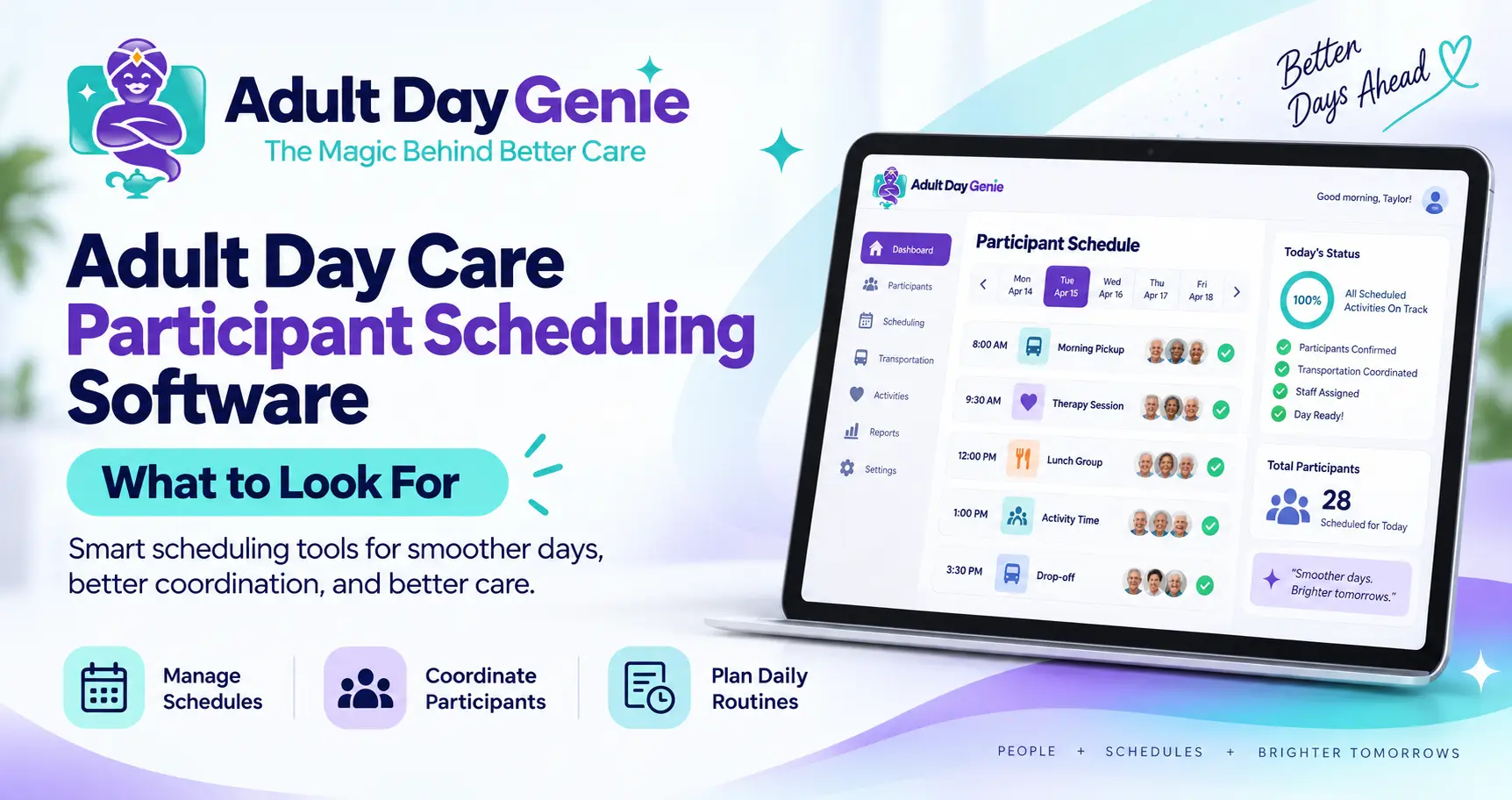
Before the front door opens, staff need to know who they expect—not just who attended yesterday. A participant may normally attend Monday, Wednesday, and Friday, cancel Wednesday, request Thursday instead, or temporarily change a recurring pattern. If the schedule lives in one spreadsheet and attendance lives somewhere else, staff have to keep reconciling the plan with what actually happened. Adult day care participant scheduling software should make that workflow easier by helping centers organize when participants are expected while keeping the schedule connected to the participant record and clearly separate from actual attendance.
The key distinction is simple: a schedule records the plan; attendance records what actually happened. Keeping those two concepts clear helps staff understand who should arrive, what changed before the service day, and who ultimately checked in.
What Is Adult Day Care Participant Scheduling Software?
Adult day care participant scheduling software is a system used to organize when participants are expected to attend a center. Depending on the platform, it may support recurring attendance patterns, individual service dates, cancellations, schedule changes, and a daily view of expected participants. Adult day care participant scheduling focuses on people receiving services—not employee shift scheduling, activity calendars, or transportation routing.
The purpose is not simply to replace a paper calendar with a digital one. A useful system should help staff answer a practical question: who are we expecting today, and how does that compare with who actually arrived?
Participant Schedule vs. Attendance: What's the Difference?
Scheduling and attendance are closely related, but they should not be treated as the same record. A participant can be scheduled for a day and still cancel, remain absent, or attend on a different date.
| Participant Schedule | Attendance Record |
|---|---|
| Shows who is expected | Shows who actually attended |
| Primarily future or planned | Records a service date that occurred |
| Can change before service | Should reflect what actually happened |
| Helps prepare the daily roster | Supports the participant's service-day record |
| May include recurring patterns | Records actual check-in or presence |
For centers reviewing what their attendance record should capture, our adult day care attendance sheet template provides a separate guide. A planned Monday visit does not prove that the participant attended Monday, and a cancellation should change what staff expect without creating an attendance event that never occurred.
How Should Recurring Participant Schedules Work?
Many adult day programs serve participants on repeating weekly patterns. For example, Eleanor may normally attend Monday, Wednesday, and Friday. That recurring pattern can remain stable for months even though individual service dates occasionally change.
Suppose Eleanor cancels Wednesday, attends Thursday as a replacement, and then returns to her usual Monday, Wednesday, and Friday pattern the following week. Good adult day care recurring participant schedules should make that exception understandable without forcing staff to rebuild the participant's entire normal schedule.
The useful distinction is: recurring schedule equals the normal expectation, while a date-specific change is an exception to that expectation. Exact automation for recurring schedules, exceptions, or alerts varies by software and should be demonstrated before purchase.
How Should Cancellations and Schedule Changes Be Handled?
A participant schedule needs enough flexibility for real operations. Centers routinely handle advance cancellations, same-day cancellations, temporary schedule changes, added attendance days, recurring pattern changes, and participants returning after an absence.
- Advance cancellation before the scheduled day
- Same-day cancellation
- Temporary move to a different attendance day
- One additional attendance day
- Permanent change to the recurring pattern
- Return after a temporary absence
A schedule change should make it clear what staff now expect for the upcoming date without silently rewriting historical attendance. For centers moving arrival records from paper to software, our guide to digital attendance tracking for adult day care explains the separate check-in side of the workflow.
Connect the Participant Schedule With the Participant Record
Scheduling works best when it is not an isolated calendar. Staff should be able to identify which participant a schedule belongs to and review the planned attendance pattern in the context of that participant's record.
A practical workflow is: Participant → Schedule → Expected Today → Check-In → Attendance. During enrollment, centers also establish participant information and other recurring operational details. Our adult day care admission checklist covers the broader intake process separately.
The scheduling system's role is to carry the participant's expected attendance pattern into daily operations without requiring staff to repeatedly recreate who the participant is and when the person normally attends.
How Should Adult Day Care Attendance Schedules Connect to Check-In?
Adult day care attendance schedules become operationally useful when staff can compare the expected roster with actual arrivals. For each participant, the center may need to understand whether the person was expected and present, expected but absent, cancelled before arrival, attending after a schedule change, or not originally expected that day.
- Expected and present
- Expected but not present
- Cancelled before arrival
- Attending after a schedule change
- Not originally expected that day
These distinctions help separate planned census from actual attendance. Expected attendance may also support operational planning, but a schedule should not be treated as proof of actual census or service delivery. For a deeper discussion of ratios, roles, and records, see our adult day care staffing requirements guide.
Why Scheduling and Attendance Should Remain Separate Records
It may seem simpler to turn a participant schedule directly into attendance, but being scheduled does not necessarily mean the participant arrived. Likewise, changing a future schedule should not alter a historical attendance record.
A clean adult day care scheduling and attendance workflow keeps the distinction visible: schedule equals what staff expected; attendance equals what staff recorded as having occurred. That makes it easier to understand changes without confusing future plans with historical records.
If your team is reviewing the broader records that should support a participant's service day, see the adult day care documentation requirements guide.
Spreadsheet vs. Adult Day Care Scheduling Software
A spreadsheet can list participant names and days. The challenge starts when recurring patterns, cancellations, replacements, expected rosters, participant records, and actual attendance all have to be reconciled.
| Workflow | Spreadsheet or Paper | Participant Scheduling Software |
|---|---|---|
| Recurring schedule | Repeated rows or manual calendar | Structured participant schedule where supported |
| One-date change | Manual edit or note | Date-specific change where supported |
| Daily expected roster | Filter or rebuild manually | Centralized daily view |
| Participant connection | Separate participant files | Schedule associated with participant record |
| Cancellation handling | Notes, colors, or deleted cells | Structured workflow where supported |
| Attendance comparison | Open another record | Schedule can sit closer to attendance workflow |
| Staff access | Shared file or printed sheet | Authorized digital access |
The goal is not digitization for its own sake. A poorly designed system can reproduce the same confusion on a screen. The better question is: how quickly can staff understand what was planned, what changed, and what actually happened?
How to Test Adult Day Care Participant Scheduling Software
Do not judge adult day care scheduling software only by screenshots of a calendar. Ask the vendor to demonstrate a realistic participant scenario from recurring schedule through actual arrival.
- Open one participant record
- Show the participant's normal weekly schedule
- Change one upcoming date
- Cancel another date
- Add a replacement attendance day
- Show the expected roster for that day
- Show what staff see when the participant arrives
- Compare the planned schedule with the attendance record afterward
That demonstration reveals whether scheduling is genuinely connected to daily operations or simply another calendar staff must maintain. Ask vendors to demonstrate exact functionality before assuming features such as recurring schedule automation, alerts, capacity warnings, or family confirmations are included.
Where Adult Day Genie Fits
Adult Day Genie keeps participant profiles, schedules, enrollment details, and authorizations together in one current view. Attendance then begins the daily record when the participant arrives, helping staff move from the expected day into the actual service-day workflow.
The goal is not to make the schedule and attendance identical. It is to reduce the number of disconnected places staff need to check as a participant moves from planning into the real day: Participant Record → Schedule → Arrival → Attendance → Daily Record.
See One Participant's Schedule Move Into the Real Day
The best way to evaluate adult day care participant scheduling software is to bring one realistic weekly schedule. Use a participant who normally attends several days each week, change one date, cancel another, and then follow that participant into check-in.
Bring one participant's weekly schedule and see how schedules, participant records, expected attendance, and the actual check-in workflow fit together in Adult Day Genie.
Frequently Asked Questions
What is adult day care participant scheduling software?
Adult day care participant scheduling software helps centers organize when participants are expected to attend, including normal attendance patterns and schedule changes. It should help staff distinguish planned attendance from the record of who actually checked in.
What is the difference between participant scheduling and attendance tracking?
Participant scheduling records who is expected to attend and when. Attendance tracking records what actually occurred on the service date. A participant can be scheduled but absent, cancelled, or moved to another day, so the two records serve different purposes.
How do recurring participant schedules work in adult day care?
A recurring schedule represents the participant's normal attendance pattern, such as Monday, Wednesday, and Friday. Individual dates may still be cancelled, added, or changed without necessarily replacing the participant's normal recurring pattern.
How should an adult day center handle cancellations and schedule changes?
The center should update what staff expect for the affected date while preserving the historical record of what actually occurred. The exact workflow depends on the software and the center's procedures.
Should changing a participant's schedule change an existing attendance record?
No. A future schedule represents what is planned, while an existing attendance record represents what actually happened on a previous service date. Changing future expectations should not silently rewrite historical attendance.