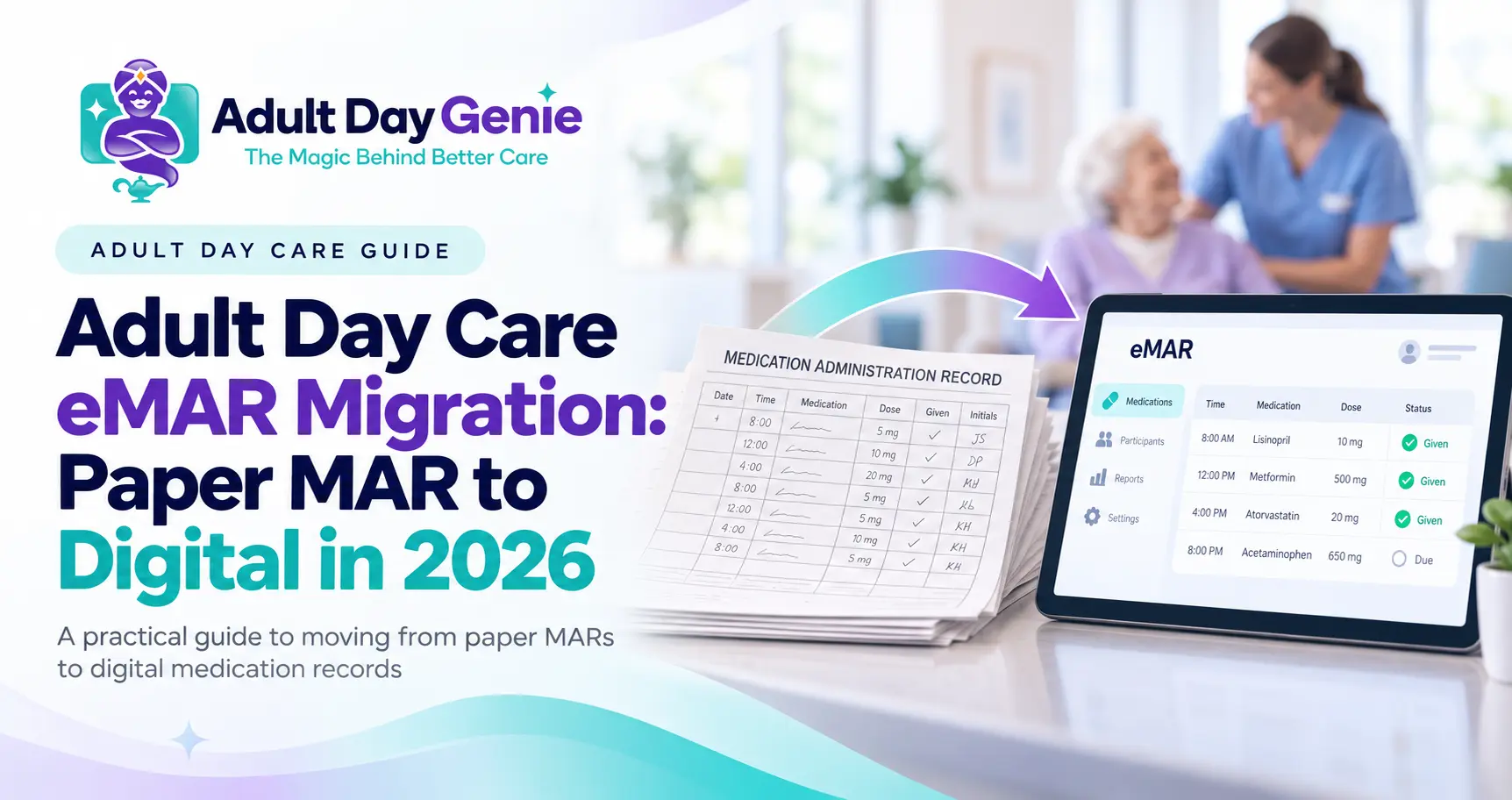
Moving from paper medication administration records to an electronic system is not simply a matter of typing the old MAR into new software. A successful adult day care eMAR migration should verify active medication information, define who can document medication events, test what happens when a dose is refused or missed, train staff on the real workflow, and establish a clear point when the electronic record becomes the center's working system. The safest paper MAR to eMAR transition is therefore a workflow project, not just a data-entry project.
Quick Answer: How Do You Switch From Paper MAR to eMAR?
Start by reviewing active medication records and confirming the information that belongs in the new system. Configure authorized staff access, build current dose schedules, test both normal administrations and exceptions, train staff with realistic scenarios, choose a clear cutover date, and review the first completed electronic MARs after go-live. Keep historical records according to the requirements that apply to your center rather than treating migration as permission to discard them.
What Does Adult Day Care eMAR Migration Mean?
An eMAR, or electronic medication administration record, records medication administration electronically rather than relying on a handwritten MAR. The underlying purpose of the record does not change. Staff still need to document the medication event accurately according to the procedures and requirements that apply to the center.
What changes is the workflow. Instead of documenting a dose in a paper binder, an authorized staff member records the event in the participant's electronic medication record. Depending on the system, the record may include the medication, scheduled dose, administration time, responsible staff member, notes, refused or missed-dose reasons, corrections, and date-range MAR exports. For the underlying record requirements rather than migration, use our medication administration record guide.
Paper MAR vs eMAR
A useful paper MAR vs eMAR comparison is not simply paper versus computer. The better question is how each system handles the complete medication event and whether staff can clearly document, retrieve, and explain what happened.
| Area | Paper MAR | eMAR |
|---|---|---|
| Administration entry | Written manually | Recorded electronically |
| Staff attribution | Initials or signature | Individual user attribution |
| Refusal or missed dose | Written notation or code | Structured electronic entry where supported |
| Corrections | Manual correction process | Electronic correction and history workflow |
| Retrieval | Locate physical records | Search participant and date range |
| Reporting | Manual copying or scanning | Electronic reports and exports where supported |
| Access | Physical possession | Role-based or user-level access |
Electronic records do not automatically make a center compliant. They can, however, make a well-designed medication workflow easier to document, retrieve, and review. That is the same principle discussed in our adult day care forms software guide: putting a paper form on a screen is not the same as digitizing the workflow around it.
Adult Day Care eMAR Implementation: A 7-Step Process
A controlled adult day care eMAR implementation should move through a defined sequence rather than trying to change everything during one medication pass.
1. Review Active Medication Records First
Do not migrate information simply because it appears on the current paper MAR. Before setup, review active records according to your center's approved process. Identify outdated entries, unclear information, discontinued medications, duplicate records, or other items that require appropriate review. The objective is not to make clinical decisions during software migration. It is to avoid knowingly copying obsolete or inconsistent information into the new system.
2. Configure Staff Roles and Access
Decide who should be allowed to view medication information, record administration, document refusals or missed doses, enter notes, make permitted corrections, and produce MAR reports or exports. Each staff member should use an individual account whenever the system supports staff attribution.
- Define who can view participant medication information
- Limit administration entries to authorized staff
- Define who can document refusals, held doses, or missed doses
- Control who can make permitted corrections
- Limit report and MAR export access to appropriate roles
3. Build and Verify the Electronic Schedule
Set up the current medication list and scheduled doses according to your center's workflow. Then have an appropriate second reviewer compare the electronic setup against the source information before staff begin relying on it. The key question is whether the electronic schedule accurately represents what staff are expected to document.
4. Run the 7-Event eMAR Test
Do not test only the easiest scenario, where a dose is given exactly as expected. Before go-live, test how the system handles the full range of common medication events.
- Record a normal scheduled dose
- Record a participant refusing a dose
- Record a missed or held dose
- Test what happens when a participant is absent
- Test a medication or schedule change
- Correct an incorrect entry using the approved workflow
- Export a MAR for a defined participant and date range
These scenarios reveal whether staff can explain why a dose was not given, whether a correction preserves meaningful history, whether management can identify who recorded an event, and whether the final record can be retrieved when needed.
eMAR Migration Checklist Before Go-Live
Use this eMAR migration checklist as a practical readiness review before the electronic workflow becomes the center's working medication record.
| Check | What to Verify |
|---|---|
| Active medication information | Current records have been reviewed through the appropriate center process |
| Participant setup | Medication information is attached to the correct participant |
| Staff permissions | Authorized roles can perform only the actions they need |
| Scheduled doses | Electronic schedules have been reviewed for accuracy |
| Exceptions | Refused, held, missed, and absent scenarios have been tested |
| Corrections | Staff know how permitted corrections appear in the history |
| Training | Medication staff have practiced realistic scenarios |
| Reporting | A sample MAR can be produced by participant and date range |
| Cutover | Staff know when the electronic system becomes the working record |
| Contingency | Staff know the approved process if the system is temporarily unavailable |
5. Train Staff With Scenarios, Not Slides
Staff should practice what actually happens during the day. Training should include normal administration as well as refusals, absence, missed or held doses, permitted corrections, notes, notifications, and management review. Connect that training to the center's written medication procedures. Our adult day care policies and procedures guide explains why written policies should reflect the workflow staff actually follow.
6. Choose a Clear Cutover Plan
Running paper and electronic records indefinitely can create two competing versions of the same workflow. Define the transition plan before go-live. Determine when the new process starts, what happens to historical paper records, who verifies the first electronic records, and what approved contingency staff should follow if the electronic system is unavailable.
Record-retention and medication requirements vary by jurisdiction and program, so verify those obligations before changing how historical records are stored or retained.
7. Review the First Electronic MARs
Migration is not finished simply because staff logged in successfully. Review a sample from the first days of use. Confirm that scheduled events appear correctly, administration entries identify the responsible staff member, refusals and missed doses contain appropriate context, corrections are understandable, staff are using the workflow consistently, and MAR reports can be retrieved for the required period.
Common Paper-to-eMAR Migration Mistakes
The most common implementation problem is treating migration as data entry instead of process change. A successful adult day care eMAR migration requires staff, permissions, procedures, exceptions, reporting, and contingency planning to work together.
- Moving outdated medication information into the new system without review
- Testing only normal medication administrations
- Giving too many users unnecessary access
- Training staff without exception scenarios
- Leaving the correction process unclear
- Failing to test a MAR export before go-live
- Maintaining duplicate paper and digital workflows without a clear purpose
- Assuming electronic software automatically satisfies regulatory requirements
How Should Electronic Medication Records Protect Information?
A migration also changes where sensitive information is stored and who can access it. Centers should evaluate role-based access, individual staff accounts, record history, data security, and their own privacy procedures. For organizations subject to HIPAA, the HHS HIPAA Security Rule explains administrative, physical, and technical safeguards for electronic protected health information.
The goal is not simply to replace a locked binder with a password. Electronic access should be controlled according to each user's role and the requirements that apply to the organization.
Test MAR Reporting Before You Retire the Old Workflow
Before declaring migration complete, select one participant and a defined date range and produce the medication record you would provide to an authorized nurse, plan, manager, or reviewer. Verify that staff can understand which medications were active, which doses were documented, who recorded them, which doses were refused or missed, what corrections occurred, and what date range the report covers.
For the broader report-to-source workflow, see our adult day care reporting software guide. If the electronic record works during the medication pass but becomes difficult to retrieve later, the implementation is incomplete.
How Adult Day Genie Supports the Medication Workflow
Adult Day Genie keeps medication records on the same participant record used during the center's day. The Medication Records workflow supports medication lists, scheduled dose-by-dose entries with time and staff attribution, refused and missed doses with reasons, append-only corrections, role-based access, and MAR exports by participant and date range.
The important point is not simply that the MAR is electronic. The medication event stays connected to the participant record rather than becoming another isolated system. See Adult Day Genie Medication Records if you want to evaluate the actual workflow during your migration planning.
Frequently Asked Questions
What is an adult day care eMAR migration?
An adult day care eMAR migration is the process of moving medication-administration documentation from paper MARs into an electronic workflow. It includes record review, system setup, staff permissions, workflow testing, training, cutover planning, and post-launch verification.
How do you switch from paper MAR to eMAR safely?
Review current medication records first, configure appropriate user access, verify electronic schedules, test normal and exception scenarios, train staff, establish a clear cutover process, and review completed electronic records after launch.
Should a center run paper MAR and eMAR at the same time?
A temporary parallel process may be used as part of an approved implementation plan, but maintaining duplicate systems indefinitely can create confusion. The correct approach depends on the center's procedures and applicable state, licensing, program, payer, and record-retention requirements.
What should we test before eMAR goes live?
At minimum, test a normal administration, refusal, missed or held dose, participant absence, a permitted correction, a medication or schedule change, staff attribution, user permissions, and a sample MAR export.
Does eMAR software make an adult day center compliant?
No. Software can support medication documentation, access controls, record history, and retrieval, but regulatory and program authorities determine whether a center meets applicable requirements.
Move the Workflow, Not Just the Paper Form
A successful adult day care eMAR migration should leave staff with a clearer medication workflow, not simply an electronic copy of the old binder. Review the records, test real exceptions, train the people who will use the system, establish a clear transition point, and verify the first completed electronic MARs.
If you are planning to move from paper MAR to eMAR, see how Adult Day Genie handles medication records, including scheduled doses, refusals, missed doses, corrections, staff attribution, and MAR exports in one participant record.