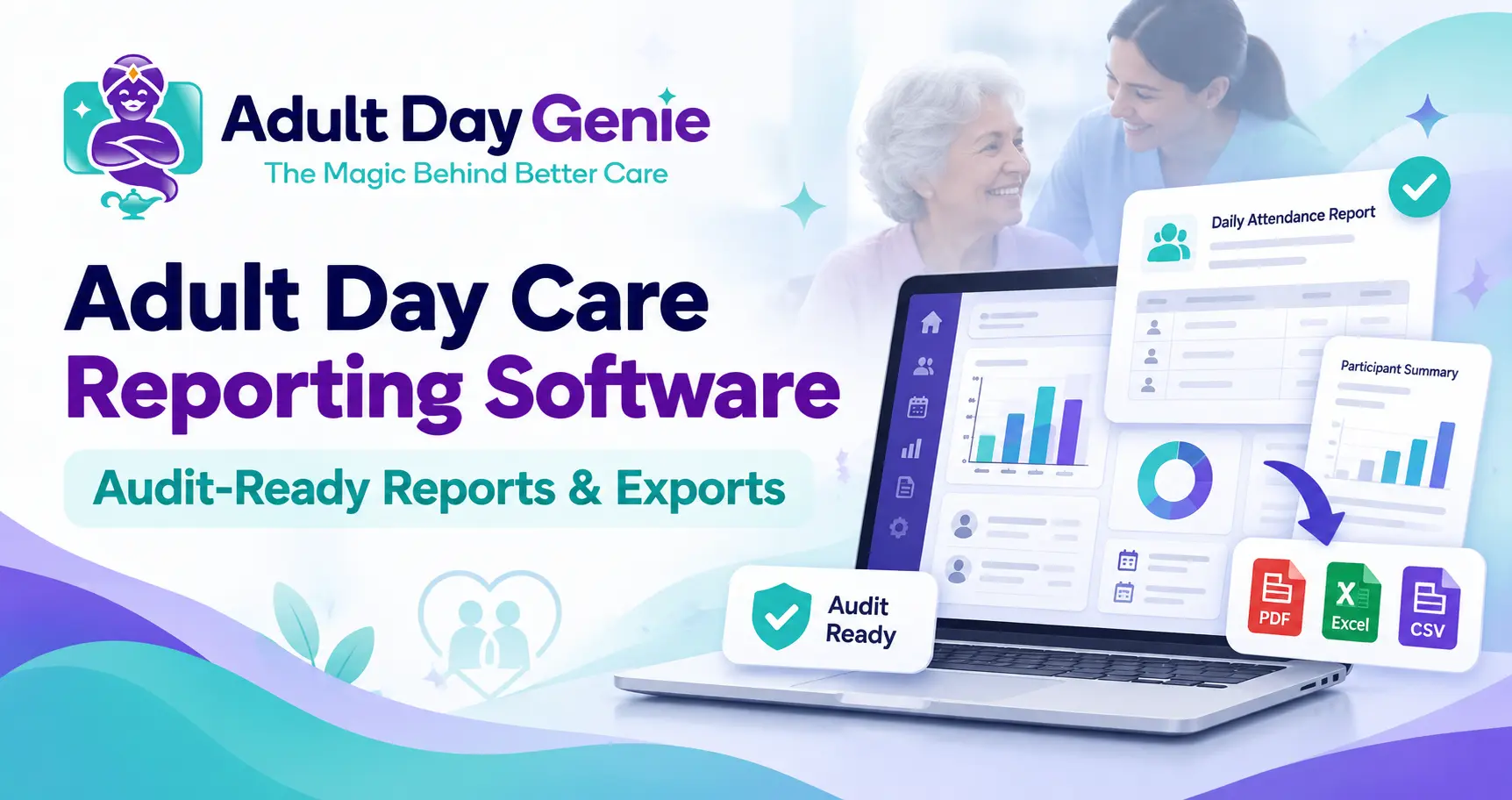
Adult day centers usually do not struggle because they have no data. They struggle because the information needed for a report lives in several places: attendance in one system, documentation somewhere else, authorizations in a spreadsheet, and corrections in staff notes.
When someone asks for a participant's records or a date-range report, staff may end up rebuilding information they already entered once. Adult day care reporting software should reduce that reconciliation work. A useful reporting system turns the records staff already maintain into understandable reports and exports while keeping the result traceable to the underlying participant and service date.
The key question is not simply, "Does the software have reports?" It is: Can we explain where every important number or record in that report came from?
What Is Adult Day Care Reporting Software?
Adult day care reporting software organizes operational records into reports, summaries, analytics, and exports that directors and authorized staff can use for management, review, billing preparation, and other program needs.
A good reporting workflow should not require staff to maintain a second version of the same information just to produce a report. For example, if attendance is already recorded in the participant's daily record, an attendance report should read from that saved information rather than asking someone to recreate the month in another spreadsheet. That connection between source record and report is what makes reporting useful.
Reports vs. Exports vs. Analytics: What's the Difference?
The three terms are often used interchangeably, but they solve different problems.
| Type | Main Purpose | Example |
|---|---|---|
| Report | Answers a defined operational question | Attendance for a participant during September |
| Export | Moves selected records or data outside the software | PDF or CSV for a requested date range |
| Analytics | Helps identify trends or patterns | Attendance changes across several months |
Adult day care reporting and analytics can work together, but they should not be treated as the same thing. A director may use analytics to notice that attendance has declined. A report can show which dates were affected. An export can provide the underlying records when someone needs to review them outside the platform.
If you are deciding which performance indicators should actually be monitored, the adult day care KPIs guide covers that question separately.
What Reports Should Adult Day Care Software Include?
The exact reports a center needs vary by state, payer, service model, and internal operations. Still, several report categories are useful across many adult day programs.
Adult Day Care Attendance Reports
Adult day care attendance reports should make it easy to review who attended and when without maintaining another attendance spreadsheet. The important point is that the report should come from the saved attendance record.
- Daily attendance
- Participant-specific attendance
- Date-range attendance
- Arrival and departure information where recorded
- Attendance exceptions or corrections
- Monthly attendance summaries
Documentation Completeness Reports
A center may also need to know whether expected service-day documentation has been completed. Reporting can help answer which participant records have documentation for a selected date, which service days still have missing records, who entered the documentation, and whether later corrections were made.
For the underlying documentation workflow itself, see the adult day care documentation software guide rather than trying to solve documentation requirements inside a reporting article.
Member and Authorization Summaries
Reporting should help authorized staff understand the participant context behind the service record. That may include enrollment status, program information, current schedule, payer information, authorization dates, and units or limits where applicable.
The adult day care authorization tracking guide explains how authorization information should be managed before it reaches reporting or billing.
Activity, Meal, and Medication Reports
Centers may also need reports related to program activities, meals, or medication records depending on their services and requirements. The report should summarize information that already exists in the underlying workflow rather than creating a new version of the record.
For medication-specific recordkeeping, use the adult day care medication administration record guide so this page does not duplicate MAR requirements.
What Makes Adult Day Care Audit-Ready Reports?
The phrase adult day care audit-ready reports should be used carefully. No software report can guarantee that a regulator, payer, auditor, or reviewer will accept a record. Requirements depend on the program and the reason the information is being requested.
In this guide, audit-ready means that a report is organized in a way that makes the underlying record easier to review.
- The participant is clearly identified
- The relevant service date or date range is visible
- The source record can be identified
- Staff attribution is available where applicable
- Relevant corrections or updates can be understood
- The report scope is clear
- Included and excluded information is understandable
- The report generation method is clear
The software should produce clear records; the reviewer still determines whether those records satisfy the applicable requirement. For broader preparation beyond reporting, use the adult day care audit checklist.
The Source-to-Report Test
When comparing adult day care reporting software, use one simple framework to test whether reports remain connected to the records that created them.
1. Source — Where Did the Information Come From?
Ask which operational record supplies each field or total in the report. If attendance appears in a monthly report, can staff open the attendance record behind it?
2. Scope — What Exactly Is Included?
A report should clearly identify the participant or participant group, date range, program or service where relevant, and any filters that were applied. A polished report with an unclear scope can create more questions than it answers.
3. History — What Happens After a Correction?
If an authorized staff member corrects a record, ask what happens to the original information. A reporting system should make meaningful corrections understandable instead of quietly changing historical evidence.
4. Output — Can Staff Use the Information Outside the System?
Useful adult day care data exports may need to be produced in formats such as PDF or CSV depending on why the information is being requested. The important question is whether staff can export the requested scope without rebuilding it manually.
5. Traceability — Can Someone Get Back to the Source?
A strong report should be the end of a traceable chain: Participant → operational record → report → export. If that chain breaks, staff may have to reconcile several systems before they can confidently answer a question.
Why Spreadsheet Reporting Creates Reconciliation Work
Spreadsheets are useful tools. The problem is not Excel or CSV files themselves. The problem starts when a center maintains one record for operations and another record purely for reporting.
Imagine that attendance is corrected in the main system, but the monthly spreadsheet has already been created. Staff now have two versions of the same service day. The same issue can happen with authorization information, documentation completion, or participant status.
Each extra reporting file creates another place that may need to be updated. Good adult day care compliance reporting should reduce that duplication by generating reports from the records staff already use during normal operations.
Example: From Today's Attendance to a Reviewer Request
Consider a fictional participant named Maria. Maria attends the center on September 14. Staff record her arrival and complete the required daily documentation.
Later that morning, an authorized staff member notices an error in one recorded detail and makes a permitted correction. The system preserves enough history to make that correction understandable.
Two months later, someone asks the center for Maria's records for September. Instead of searching a sign-in sheet, daily notes, a spreadsheet, and a correction log separately, the director selects Maria and the requested date range.
The resulting report or export should reflect the underlying records and make it possible to understand what happened on the service date. This is the practical value of connected reporting: staff do not have to reconstruct September in November.
How Should Reports and Exports Handle Sensitive Information?
Reports can contain participant information and, depending on the center and report, protected health information. That means access to reports and exported files should not be treated as an afterthought.
For organizations subject to HIPAA, the HHS Security Rule addresses safeguards for electronic protected health information, including appropriate access controls and mechanisms for recording and examining system activity.
- Which staff roles can run each report?
- Can access be limited appropriately?
- Who can export participant records?
- What happens after a file is downloaded?
- Can important system activity be reviewed?
- How are corrections represented?
- Does the vendor provide a Business Associate Agreement when applicable?
The reporting tool can support these controls, but each center remains responsible for its own policies, workforce practices, applicable laws, and payer requirements.
How Adult Day Genie Handles Reports and Exports
Adult Day Genie keeps reporting connected to the same participant record used during normal center operations. The platform connects attendance and documentation for downstream reporting and exports and supports attendance, documentation, and MAR exports by date range with correction history included rather than quietly rewriting earlier records.
That matters because a reporting system is more useful when staff do not have to maintain a separate reporting copy of the day. See Adult Day Genie Daily Operations for the broader workflow that connects participant records, documentation, daily operations, and reporting.
How to Test Reporting Software During a Demo
Do not judge reporting software only from a prebuilt dashboard. Bring one real reporting problem from your center and ask the vendor to demonstrate the complete path.
- Open a participant with existing attendance.
- Run a report for a defined date range.
- Show where the attendance information came from.
- Open the underlying source record.
- Show how an authorized correction is handled.
- Run the report again.
- Filter the report to one participant.
- Export the result.
- Show which staff roles can access or export it.
- Explain how the report connects to documentation or authorization information where applicable.
This test reveals whether the platform provides genuine adult day care reporting software or simply a collection of dashboards that cannot be traced back to the records behind them.
Make the Report the Output of the Work, Not More Work
Reporting should not become a second administrative process at the end of every week or month. The stronger workflow is: Record the day once → preserve the source → generate the report → export when needed.
If your team currently rebuilds attendance, documentation, authorization, or other participant records in spreadsheets whenever someone asks for a report, test the process with one real example. See the Adult Day Genie reporting workflow in a 15-minute demo.
Frequently Asked Questions
What is adult day care reporting software?
Adult day care reporting software turns operational information such as attendance, documentation, authorization, and participant records into reports, summaries, analytics, and exports that authorized staff can use for management and review.
What reports should adult day care software generate?
Useful reports may include attendance, documentation completeness, participant summaries, authorization information, activity or meal records, medication information where applicable, and other center-specific operational reports. Exact needs depend on the center, payer, program, and jurisdiction.
What is the difference between a report and an export?
A report organizes information to answer a defined question inside or through the software. An export moves selected records or data outside the system, such as a PDF or CSV file that can be reviewed or used elsewhere.
What makes an adult day care report audit-ready?
An audit-ready or review-ready report should clearly identify its participant, date range, source information, relevant staff attribution, scope, and corrections where appropriate. The term does not guarantee that a particular auditor, regulator, or payer will accept the record.
Should attendance reports come from the original attendance record?
Ideally, yes. Generating reports from the saved operational attendance record reduces the need to maintain a second reporting copy that can become inconsistent after corrections or updates.
What should I test during an adult day care reporting software demo?
Use a real participant and date range. Run the report, trace information back to the source record, test filtering, review how corrections appear, check permissions, and export the result.