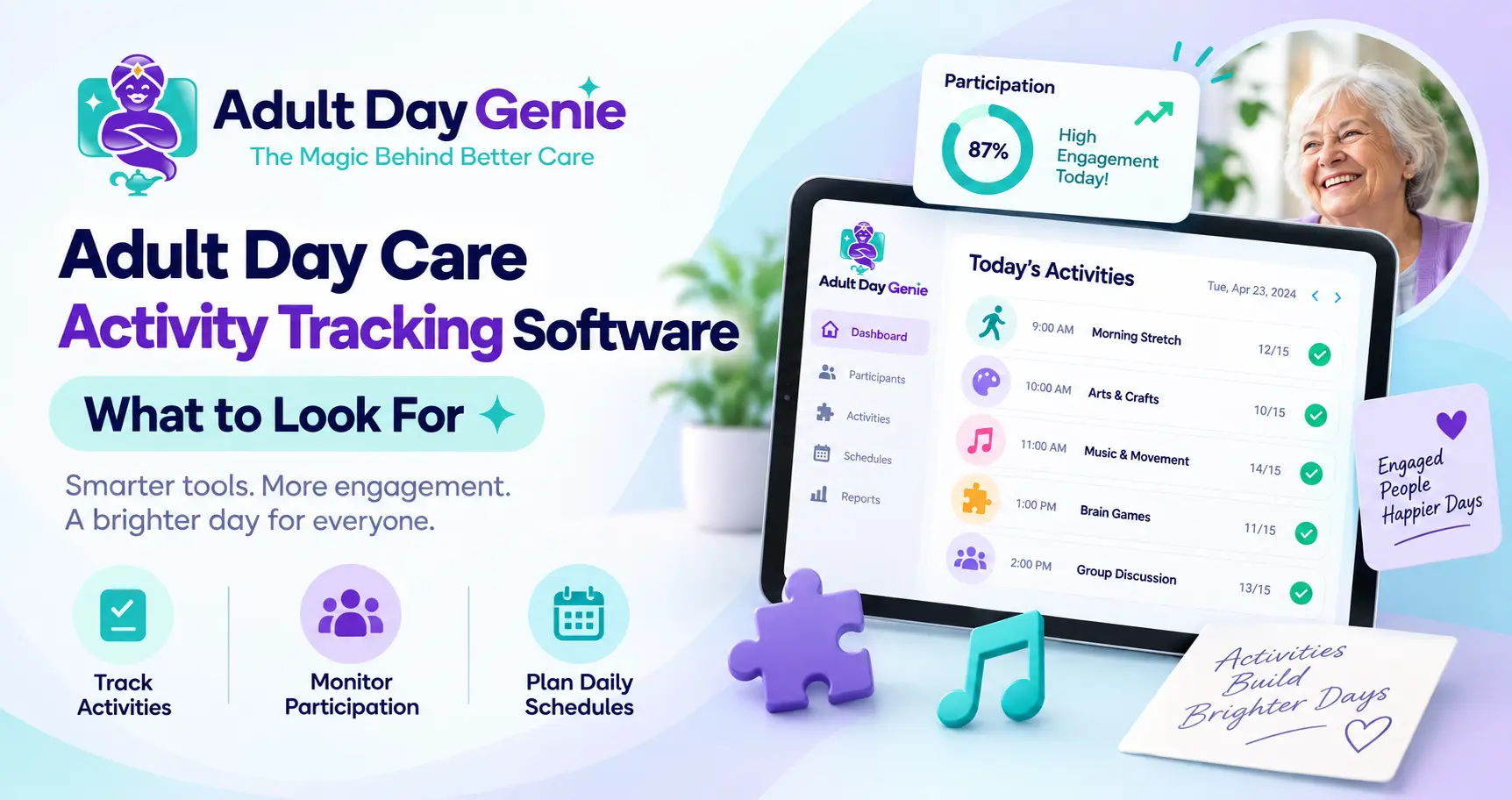
An activity calendar can look perfect at 8:00 AM and be outdated by 9:15. Twenty participants may be expected, but only fifteen arrive. A planned group activity may not fit everyone who is actually present, and one participant may need a different option while staff still need to keep the day's records organized.
That is where adult day care activity tracking software should help. Instead of treating activities as a calendar that sits apart from the rest of the center, the software should help staff plan the day around the participants who are actually there. The key is understanding that an activity schedule, participant attendance, activity participation, and participant-specific documentation are related, but they are not the same record.
For requirements and documentation questions specifically, see our adult day care activity requirements and documentation guide. This article focuses on the software and operational workflow.
What Is Adult Day Care Activity Tracking Software?
Adult day care activity tracking software is a digital system used to plan, organize, and retrieve information about activities offered within an adult day program. Depending on the platform, capabilities may include activity calendars, group or individual activity planning, participant association, participation records, notes, history, and reporting.
A useful system should help staff answer practical questions: What did we plan today? Who was actually here? What activities took place? And what participant-specific information needs to be retained? Not every center needs the same functionality, and not every software platform handles participation or activity documentation the same way.
Activity Schedule vs. Attendance vs. Participation vs. Documentation
These records serve different purposes. Keeping those purposes separate makes the daily workflow easier to understand and reduces the risk of treating a planned activity as proof that a participant actually took part.
| Record | Question It Answers |
|---|---|
| Activity schedule | What did the center plan? |
| Participant attendance | Who was actually at the center? |
| Activity participation | Who participated, where the center tracks it? |
| Participant documentation | What participant-specific information needs to be recorded? |
| Activity history | What activity occurred and when? |
Scheduling an activity does not prove that it happened, and being present at the center does not necessarily mean a participant joined every activity offered. Likewise, activity participation should not automatically become a clinical or service note unless that type of documentation is appropriate for the center's program and requirements.
Why Activities Should Start With Today's Attendance
Activity planning becomes more useful when it reflects who is actually present. A simple workflow is: Today's Attendance → Participants Present → Activity Plan → Group or Individual Activity → Relevant Record.
Suppose 18 people were expected, but 14 checked in. Staff should plan the real day around those 14 participants rather than continue working from an outdated expected roster. If your center is reviewing how arrivals are captured, the adult day care attendance sheet template provides a separate look at attendance records.
The goal is not to make attendance and activities identical. It is to stop the activity calendar from becoming another disconnected system that staff have to reconcile later.
Group Activities vs. Individual Activities
Adult day programs often use a mixture of group and individual activities. A group activity might involve music, arts and crafts, light exercise, games, discussion groups, cognitive activities, celebrations, or another program-specific activity.
An individual activity may be more appropriate when a participant has different interests, abilities, preferences, goals, or support needs. Good adult day care activity scheduling software should make it easy for staff to understand what is planned without assuming every participant follows the exact same activity schedule.
For example, a center may schedule a group exercise session while providing another appropriate option for a participant who does not join that activity. Where activity choices are influenced by participant goals or individual care needs, the adult day care care plan template provides more context on care-plan structure.
What Should Activity Participation Tracking Actually Mean?
Participation tracking can easily become confusing. A participant being present at the center is not necessarily the same thing as participating in a specific activity. That means adult day care participation tracking software should be evaluated based on what your center actually needs to record.
- Which activity was offered
- Which participants joined where participation is tracked
- Whether an individual alternative was provided
- Whether participant-specific notes are appropriate
- When the activity occurred
- Whether the information needs to be retrieved later
Do not assume every adult day center must document every person's participation in every activity in the same way. Requirements and operational expectations can vary by state, payer, program, service model, and center policy.
What Should Adult Day Care Activity Management Software Make Easy?
The better evaluation question is not, "Does your software have an activities feature?" Instead, ask what the feature actually lets staff do. Adult day care activity management software should be evaluated through the real tasks staff need to complete during the day.
- Create or review the activity calendar
- Associate an activity with the correct date
- Understand who is actually present that day
- Distinguish group and individual activities where needed
- Change the day's plan without creating confusion
- Record participation where the center requires it
- Add appropriate participant-specific information
- Retrieve previous activity information
- Keep activity records close to the broader participant workflow
- Support practical reporting or review where available
Not every platform will support every item in the same way. During a software demonstration, ask the vendor to show the functionality rather than relying only on feature names.
Activity Calendar Software vs. a Paper Calendar
A paper calendar can tell staff what was originally planned. The challenge comes when the real day changes. Adult day care activity calendar software becomes useful when it does more than reproduce the same paper calendar on a screen.
| Workflow | Paper or Separate Calendar | Connected Activity Workflow |
|---|---|---|
| Plan activities | Write or print calendar | Maintain a digital plan |
| Change today's activity | Cross out or rewrite | Update the current plan where supported |
| See who is present | Check another record | Work closer to attendance |
| Individual alternative | Add a separate note | Associate with participant where supported |
| Track participation | Separate sheet or staff memory | Structured entry where supported |
| Retrieve past activity | Search old calendars | Search activity history |
| Participant context | Review separate records | Keep activity information closer to participant context |
| Staff access | Physical calendar or shared file | Authorized digital access |
The practical question is: can staff understand what was planned, what changed, who was there, and what needs to be recorded without rebuilding the day afterward?
How Should Activities Connect With Participant Documentation?
Activity planning and participant documentation should remain distinct. An activity calendar may show that chair exercise was planned at 10:00 AM. A participant-specific note may be appropriate when something about that participant's service, response, goal, condition, or another required detail needs to be recorded.
Those are different jobs. Our adult day care documentation requirements guide covers the broader documentation side separately. The software should make relevant records easier to locate without encouraging staff to duplicate the same information across several places.
How Can Activities Support Family Updates?
Families may appreciate appropriate updates about how a participant's day went, but activity tracking and family communication should still be treated as separate workflows. Not every activity record belongs in a family message.
Staff should share only information appropriate for the participant and authorized contact according to the center's procedures. If family communication is part of your workflow, our guide to adult day care family communication covers that topic in more detail.
The useful connection is simple: Activity happens → appropriate information is recorded → an authorized update can be shared where appropriate.
How to Test Adult Day Care Activity Tracking Software
Do not evaluate adult day care activity tracking and scheduling from a feature checklist alone. Bring one realistic service day into the demonstration and ask the vendor to show how the system handles changes.
- Start with the participants actually present that day
- Open the activity calendar
- Show one planned group activity
- Change that activity during the day
- Add or demonstrate an individual alternative
- Show how participation is handled where applicable
- Add relevant participant-specific information
- Retrieve the activity later from the day's history
- Show where the activity information sits in relation to the participant record
This test exposes whether the system supports the real workflow or simply provides another calendar. Also ask the vendor to demonstrate exact functionality before assuming features such as engagement scoring, automated recommendations, participation analytics, activity reminders, or outcome tracking are included.
Where Adult Day Genie Fits
Adult Day Genie places activities inside the center's broader daily workflow rather than treating them as an isolated administrative task. Staff can see who is present, complete care notes and forms, plan meals and activities, and keep authorized families updated as part of the same day.
Adult Day Genie also positions activities and meals around real attendance, dietary flags, and member needs. The value is the connection: Attendance → Daily Operations → Activities → Participant Record.
That does not mean software replaces the center's judgment about which activities are appropriate or what documentation is required. Software organizes the workflow; the program still determines how services are delivered and documented.
See One Activity Day in the Full Workflow
The easiest way to evaluate adult day care activity tracking software is to bring a real example. Bring one day's activity calendar and participant roster, then see how the center can move from the people who actually arrived into activities and the rest of the daily record without treating each part of the day as a separate administrative system.
Bring one day's activity calendar and participant roster. See how Adult Day Genie fits attendance, activities, participant records, and daily operations into one connected center workflow.
Frequently Asked Questions
What is adult day care activity tracking software?
Adult day care activity tracking software helps centers plan and organize activities, manage calendars, relate activities to participants who are present, record participation where needed, and retrieve relevant activity information later.
What is the difference between an activity schedule and activity participation?
An activity schedule records what the center planned to offer. Activity participation records who actually took part where the center chooses or is required to track that information. Scheduling an activity does not automatically prove participation.
Should adult day care activities connect with participant attendance?
They should be operationally connected where useful because attendance establishes who is actually present at the center. However, attendance and activity participation are different records and should not automatically be treated as interchangeable.
How should group and individual activities be managed?
Centers can plan group activities while providing appropriate individual alternatives based on participant needs, interests, abilities, goals, and program practices. Software should make those workflows understandable without assuming everyone follows the same activity plan.
What should I ask to see during an activity software demo?
Ask the vendor to show a real day: today's participants, the activity calendar, a schedule change, a group activity, an individual alternative, participation tracking where applicable, and how the activity can be retrieved later.